Two ways into Toontown
Right this way, Toon! Two of our gameservers, Muffin and TNT, play right here in your browser with nothing to install, and five more live in one small launcher. Either way, you are one free account away from your first pie.

Play in your browser

Muffin is the original 2001 beta, the earliest Toontown we host and the one that started all of this. It is not a remake ... it is that same 2001 client, compiled to WebAssembly so it runs in the browser you already have open. Desktop, phone or tablet, it plays the same, and the small screens get touch controls of their own.
All you need is a free Toontown Archive account and an up-to-date browser. If you are not signed in yet, we will send you that way first. Need an account?
Play Muffin now
TNT is Toontown Online (Test) from February 2012, version 1.0.48.6, and the newest Toontown we host. All four Cog HQs are open for storming. Like Muffin, it is the real client compiled to WebAssembly so it runs in the browser you already have open.
On a phone or tablet you get a joystick to walk with, a jump button, and a swipe to turn the pages of your Shticker Book. Mini-golf, the boss battles and chat all work by touch, so a pie or a friendly hello is never more than a tap away!
All you need is a free Toontown Archive account and an up-to-date browser. If you are not signed in yet, we will send you that way first.
Play TNT nowFullscreen on an iPhone
Safari will not hand a web page true fullscreen, but it will give Muffin or TNT a Home Screen shortcut of its own, with no browser bars in the way. It only takes two taps!
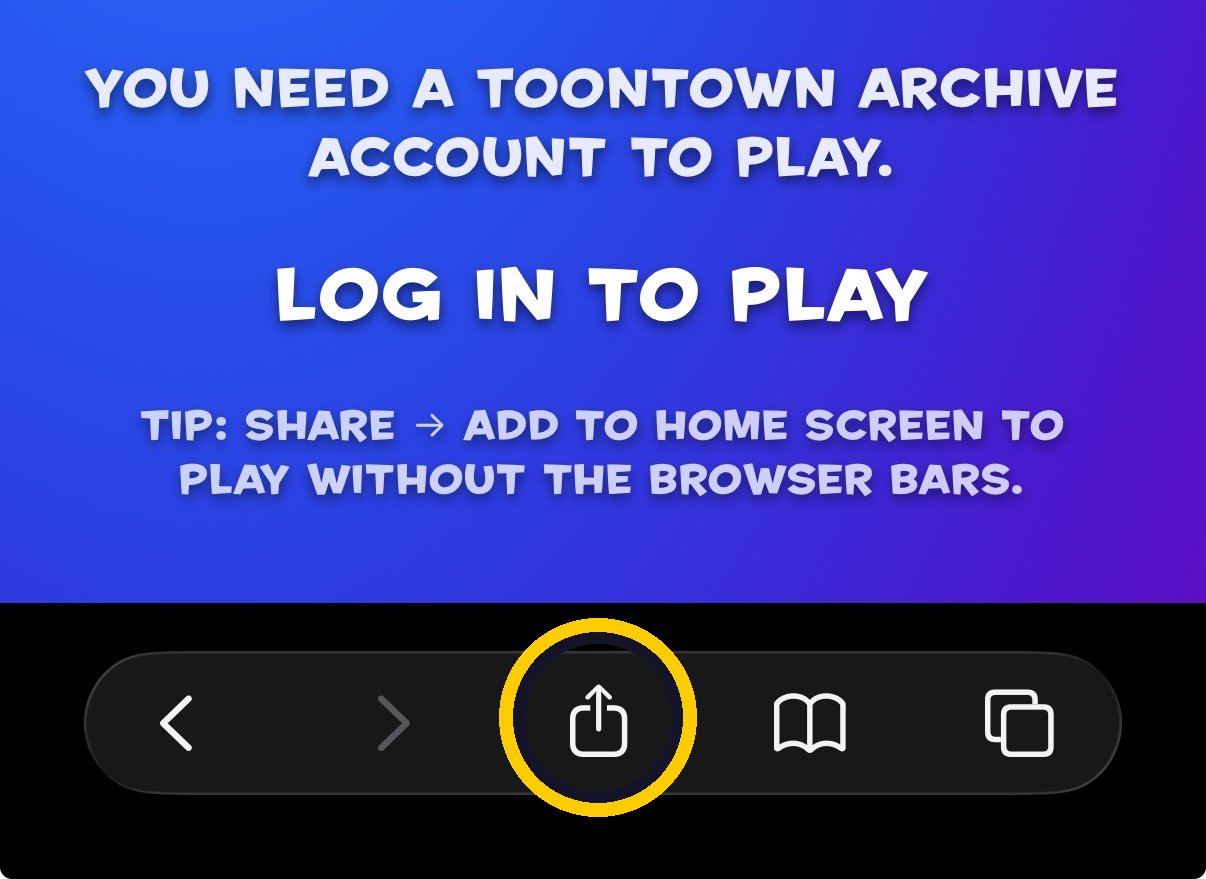
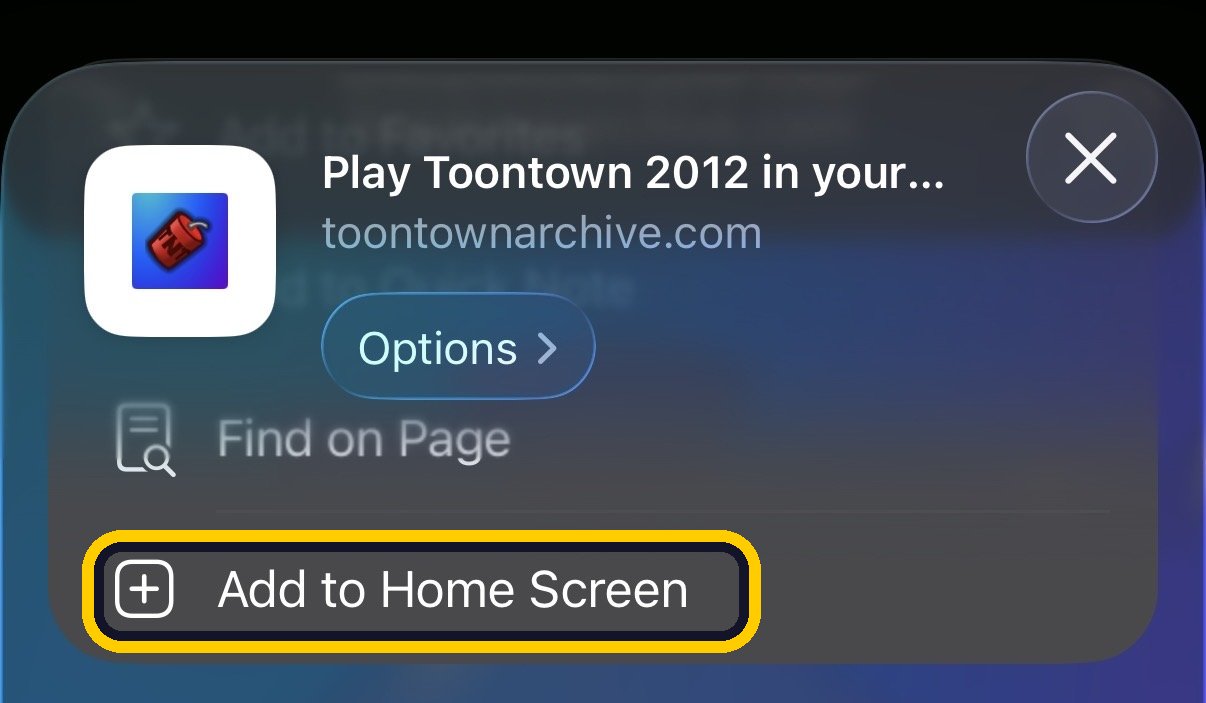
Cupcake, Cream Pie, Safe, Storm Cloud and Seltzer are not in the browser yet, so for those five you will want the launcher below. We would rather get them right than name a date we cannot keep.
Play with the launcher
Flippy's Toontown Launcher is one small app that holds all six gameservers. Install it once, sign in, and pick the year you feel like playing: 2001, 2003, 2004, 2005, 2006 or 2008. Change your mind tomorrow and the other five are right there waiting.
Get the launcher- Windows
- macOS
- Android
The 2001 beta: Toontown at its very beginning, and the one you can play in this browser.

Toontown exactly as it opened in July 2003, with streets, Trolley and gags and no Cog HQ in sight.

May 2004, with Sellbot HQ newly open and a disguise to earn. English or German.

July 2005, with Cashbot HQ open and a Doodle waiting for you back at the Estate.

2006, with Lawbot HQ open and a courtroom to crash. English or French.
The Test Server as it stood in September 2008, with Bossbot HQ to storm and a round of MiniGolf at Acorn Acres. English or Japanese.

Grown fond of a Toon on an earlier server? ToonTransfer moves that Toon forward into a later one, so you can watch the years roll by without starting over from a blank Make-A-Toon. It runs right here in your browser, with nothing to download. Just sign in first.
Open ToonTransferTwo years are a browser tab away, and five more are one download behind them -- which will you call home? Toons of the World Unite!